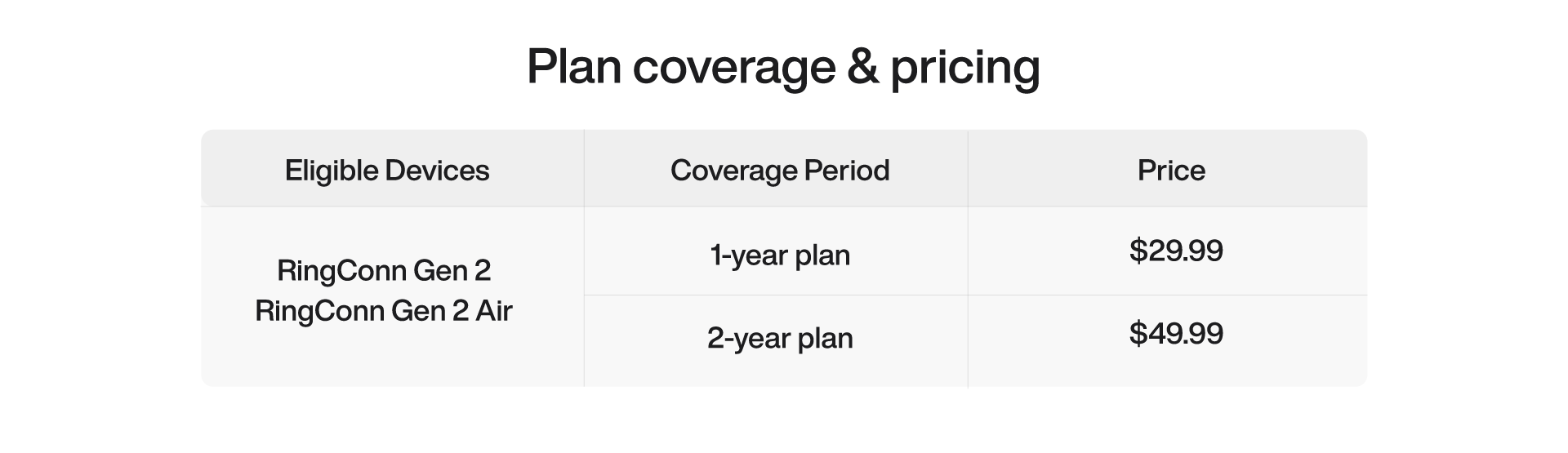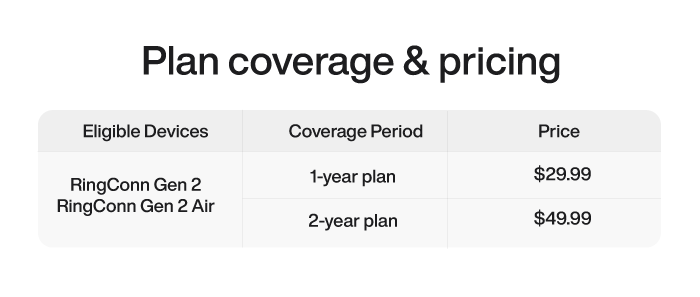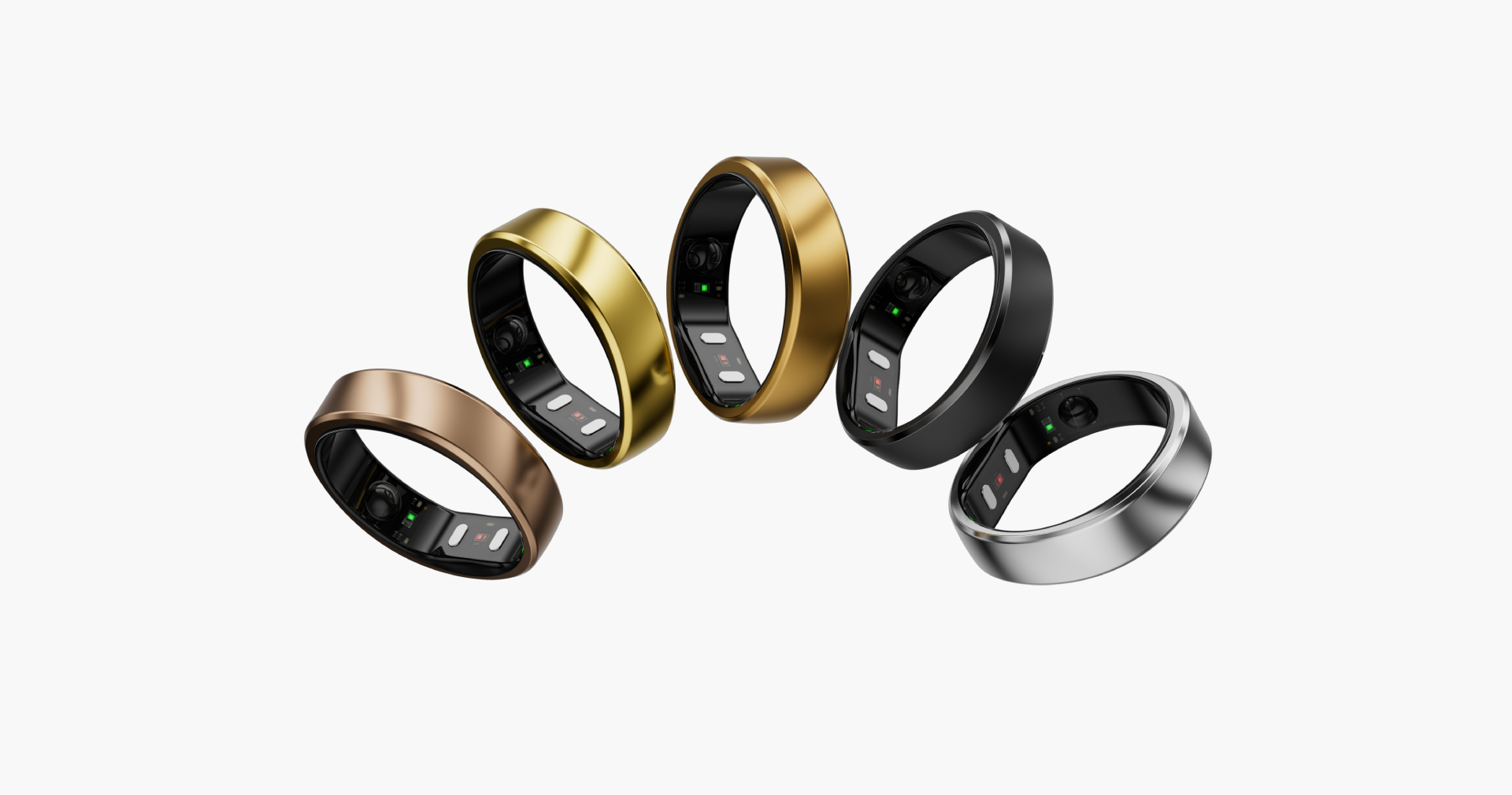
RingConn Care+
Extended protection for your RingConn Journey
Availability: RingConn Care+ is available for eligible purchases outside the United States. For customers in the United States, please see Product Protection for available protection options.
RingConn Care+ service scope
Accidental damage
Covered if your ring is damaged due to drops, impacts, or wear.
Theft protection
Covered if your ring is stolen, ensuring you get a replacement.

Lost ring replacement
Covered if you accidentally lose your ring, so you can replace it.
Comment utiliser le code d’activation
Votre code d’activation est unique : conservez-le en lieu sûr et ne le divulguez pas. Avant de l’activer, mettez l’application à jour vers la version 3.5.0 ou ultérieure.
Activation codes are model-specific: Gen 3 activation codes can only be used with Gen 3 rings, Gen 2 activation codes with Gen 2 rings, and Gen 2 Air activation codes with Gen 2 Air rings.
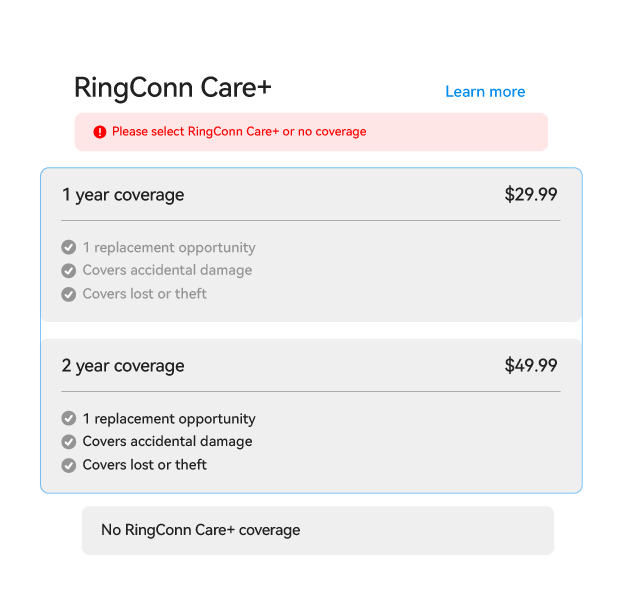
1. Achetez et recevez votre code
Achetez RingConn Care+ sur le site officiel, puis retrouvez votre code d’activation dans l’e-mail de commande ou sur la page de votre commande.
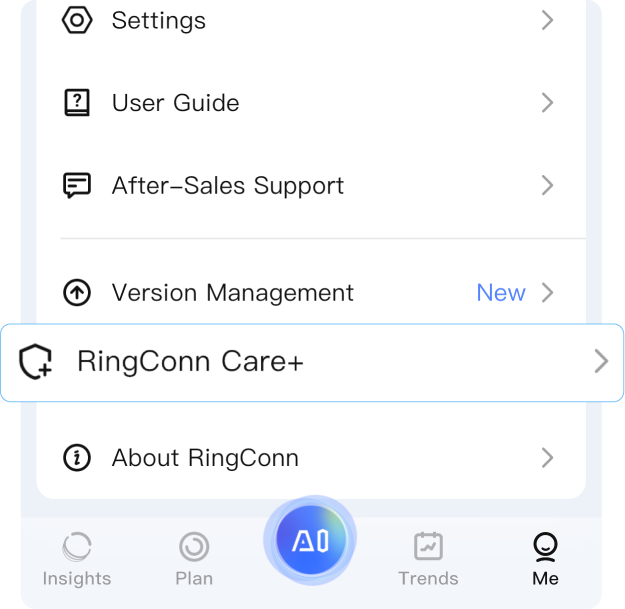
2. Ouvrez l’application et accédez à Care+
Associez votre bague à l’application, puis ouvrez « Me » → « RingConn Care+ ».
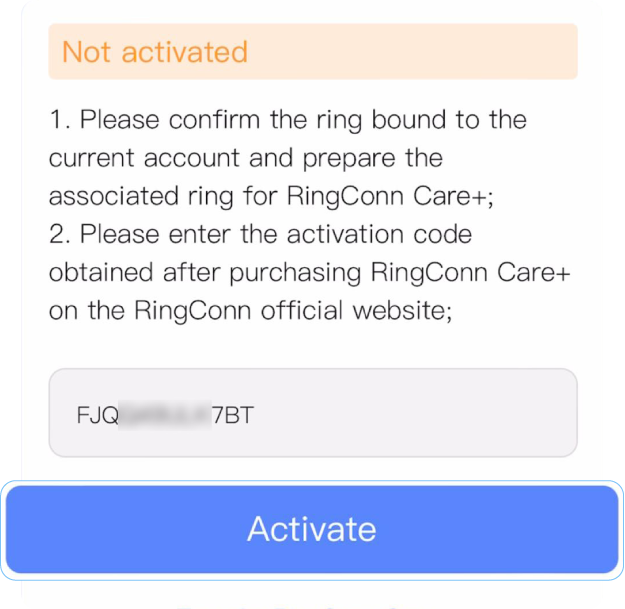
Step3:Input & activate
Copiez et collez votre code d’activation dans le champ, puis appuyez sur « Activate ».
Lost your ring?
Here's how to get a new one
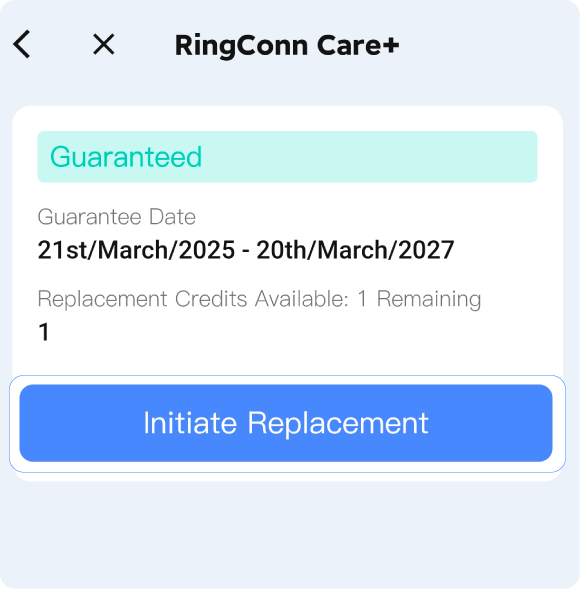
STEP 1
Ouvrez l’application et accédez à « Me » → « RingConn Care+ » → « Initiate Replacement ».
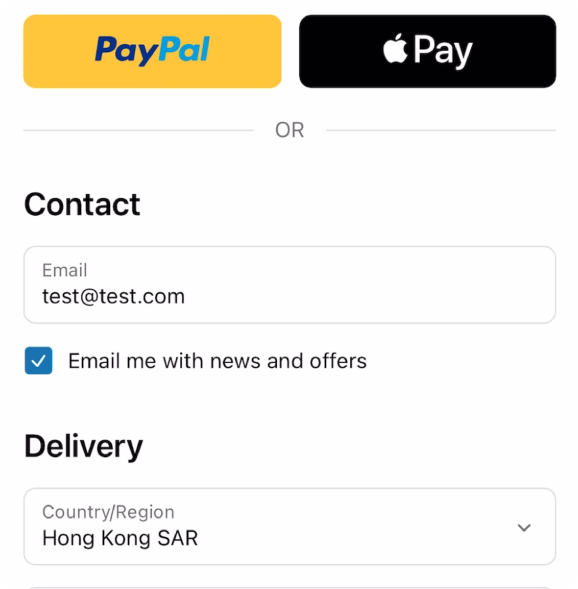
STEP 2
Saisissez l’adresse e-mail de votre compte RingConn, ajoutez vos coordonnées de livraison et réglez les frais d’expédition.
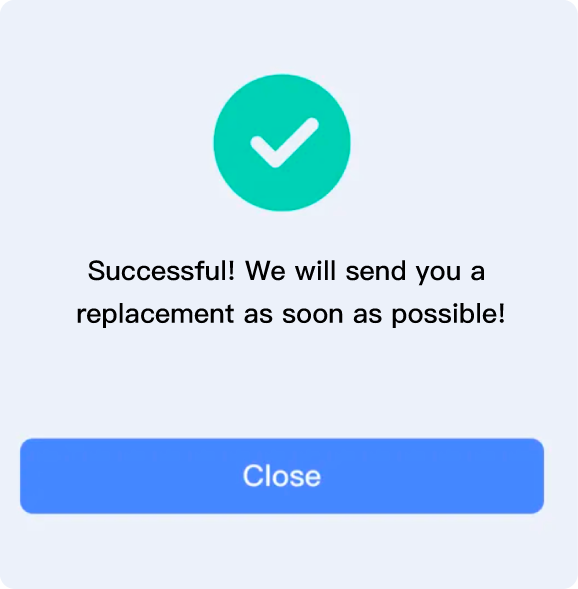
STEP 3
Une fois la démarche terminée, il ne vous reste plus qu’à attendre votre bague de remplacement.
Replacement Details
1. Replacement ring does not include accessories, only the ring itself. The new ring will have the same size and color as the original.
2. A $10 shipping fee applies per replacement.
3. Once shipped, the old ring will be deactivated after 30 days for security reasons.